Step by step
Every topic is taught in order, starting from installing Power BI Desktop.
Pre-Recorded Video Course by Active Mind Training Services
Turn raw data into clear, professional dashboards.
Learn how to import, clean and visualize data using Microsoft Power BI, create dashboards, publish reports and export reports to PowerPoint. Learn at your own pace with lifetime access.
Why It Matters
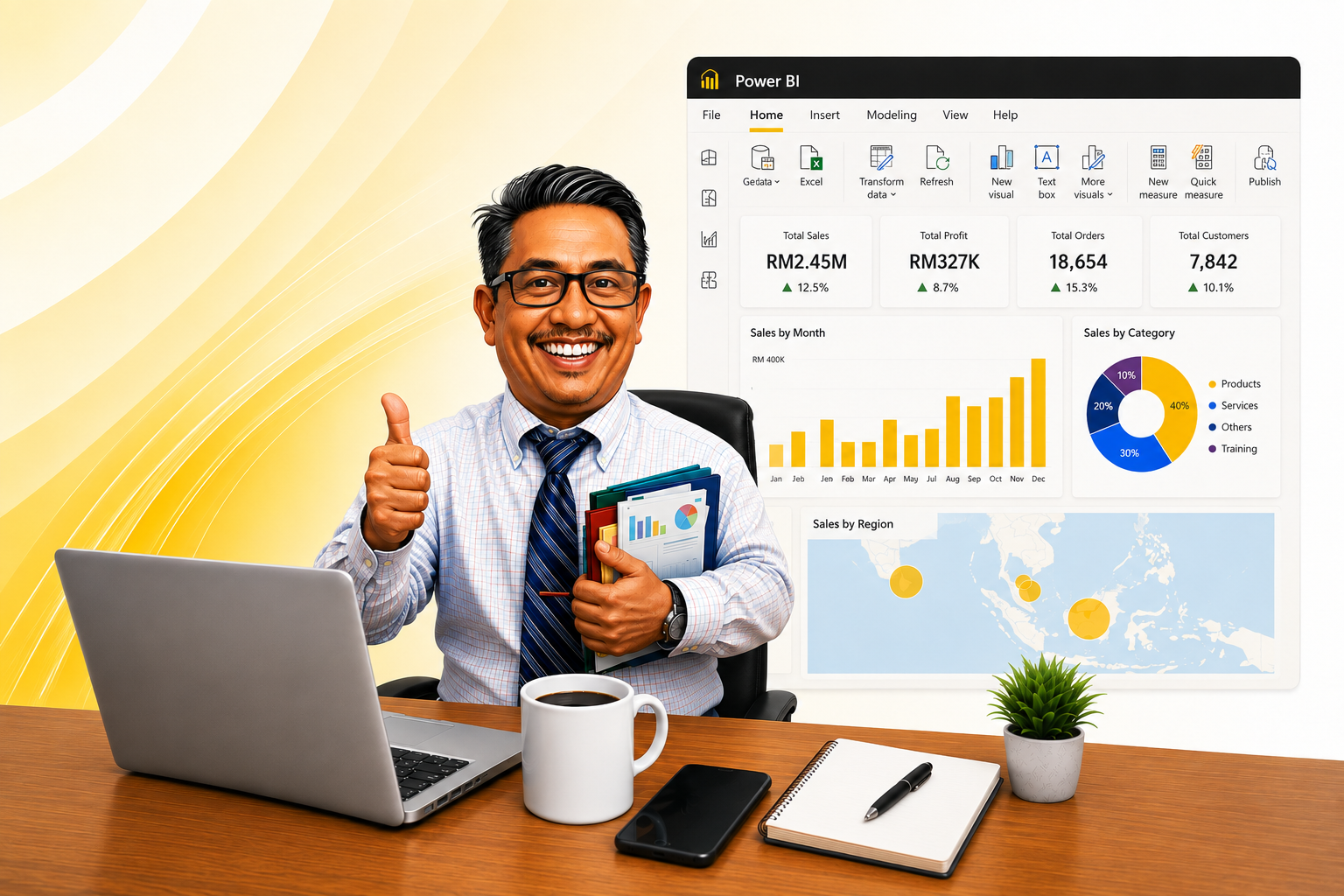
Many people can collect data but still struggle to turn it into a report that decision makers can actually read. This course shows you how to move from raw files to a clean, shareable Power BI dashboard.
Every topic is taught in order, starting from installing Power BI Desktop.
Follow along and build the visuals and dashboard as you watch.
Watch at your own pace and replay any lesson as often as you need.
No prior Power BI experience is required to start this course.
Free Preview
Watch part of a real lesson from the course so you can see the teaching style, the video quality and the approach before you decide.
Included In The Package
Everything you need to learn Power BI and keep practising afterwards.
Around 1 hour 44 minutes of focused, step-by-step training.
Watch whenever it suits your schedule, on your own timeline.
Come back and rewatch any lesson whenever you need a refresher.
A complete dashboard built from scratch across two lessons.
Publish to Power BI Service and export your report to PowerPoint.
Access the lessons on desktop, tablet or mobile.
Outcomes
By the end of this course, you will be able to:
Learning Modules
19 Lessons · Approximately 1 Hour 44 Minutes
Who It's For
This course is designed for anyone who wants to build reporting skills with Power BI without a technical background.
Anyone starting with Power BI for the first time.
Those who prepare regular reports for their team or management.
People ready to move beyond spreadsheets into visual reporting.
Those who want a valuable data skill on their resume.
Anyone who wants a clear dashboard view of their numbers.
Active Mind Training Services
We focus on one thing: making sure you can actually apply what you learn.
Over 26 years delivering corporate and public training.
Learn by doing, not just watching and memorising.
Clear, ordered explanations suitable for every level.
Examples drawn from real workplace reporting situations.
Thousands of participants from government, GLC and private sectors.
Access the videos anytime and replay them as often as you need.
Trainer

A Microsoft and HRD Corp certified trainer with more than 26 years of experience in office productivity training, data analysis and Microsoft Office applications.
Testimonials
Feedback from participants who have attended Active Mind training programmes.
“The training was easy to follow and I could apply what I learned at work straight away.”
“The step-by-step explanations were very easy to follow even though I was starting from scratch.”
“I am not a technical person, but I managed to follow the sessions all the way through.”
“A great addition to my resume and it made me far more confident in interviews.”
Help
The questions participants ask most often.
How It Works
Four simple steps before you start learning.
Select the Enrol Now button anywhere on this page.
Pay RM69 once via Stripe using card, Google Pay or GrabPay.
After successful payment you are taken to the course page.
Begin Lesson 1 right away and learn at your own pace.
Secure Payment
Payments are processed securely by Stripe.
After a successful payment you are redirected to the course page and get immediate access to all 19 lessons.
Pay once, keep lifetime access. Learn how to import, clean and visualize your data in Power BI and share it with confidence.
One-time payment · Lifetime access